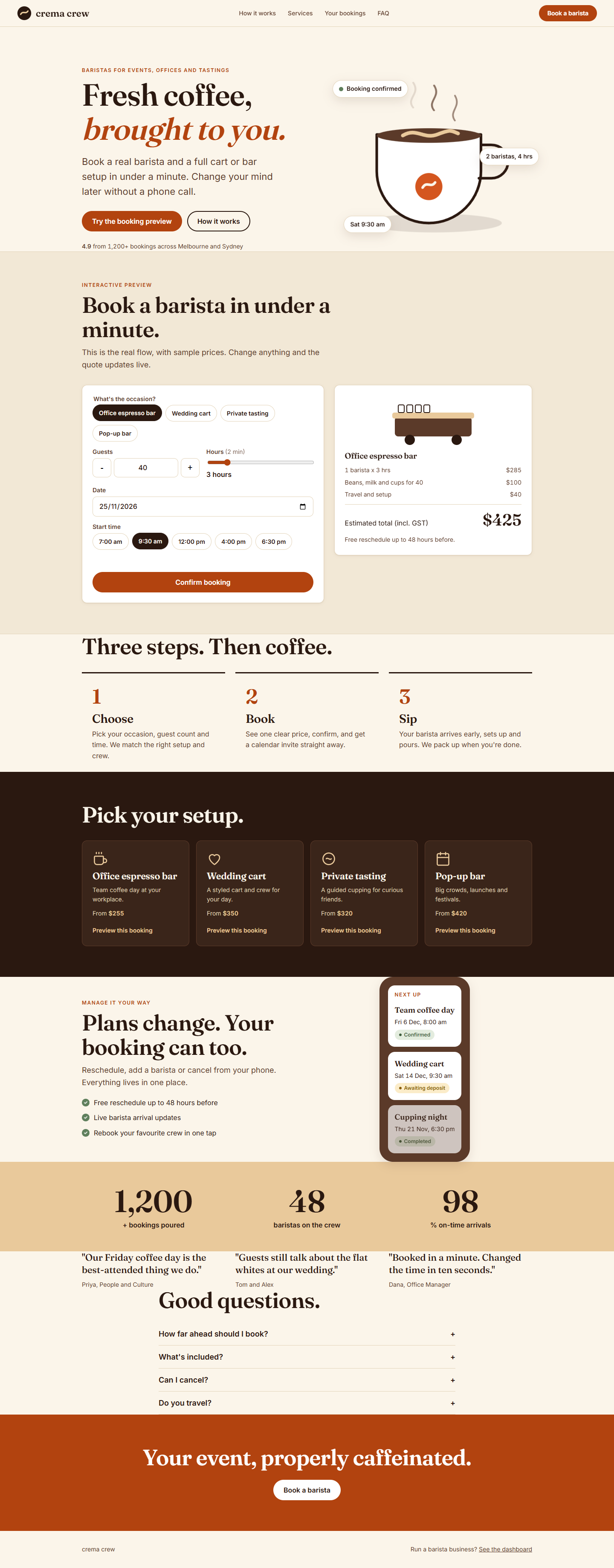
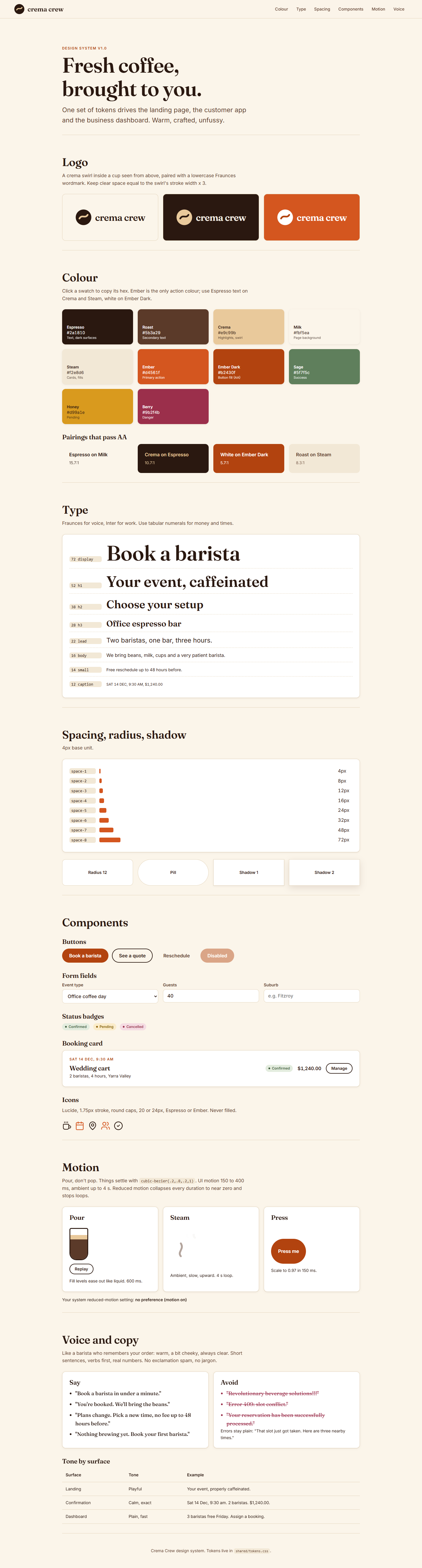
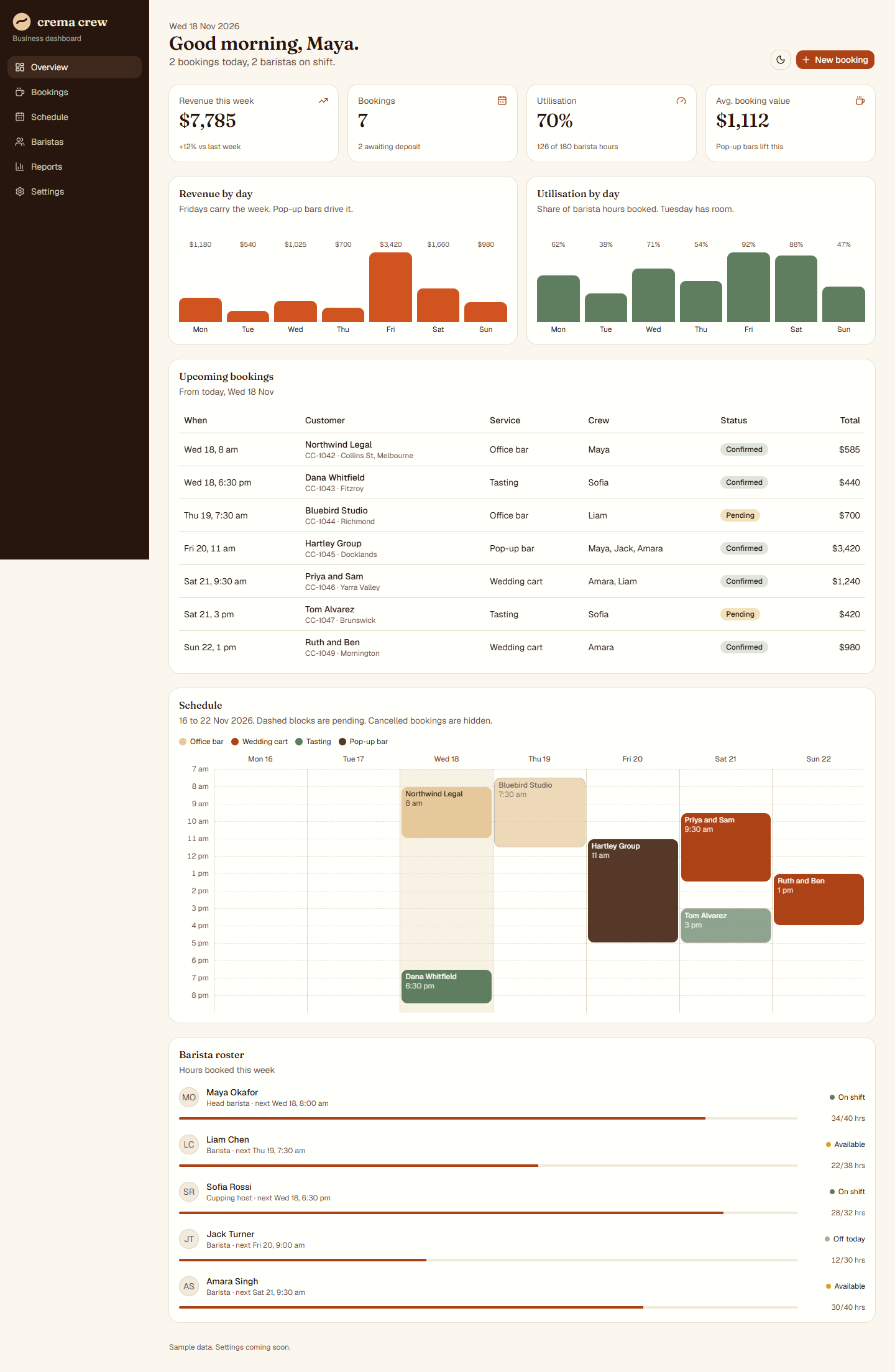
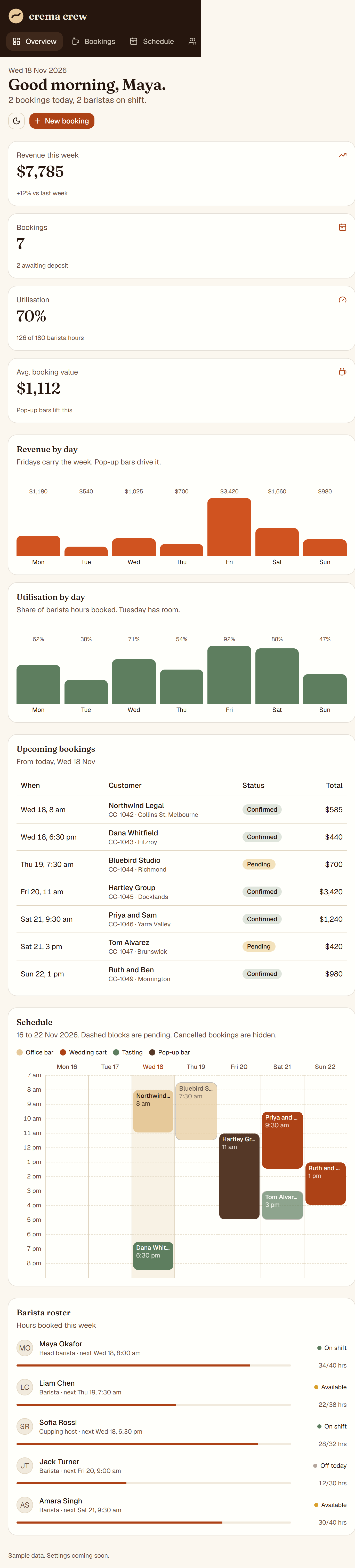
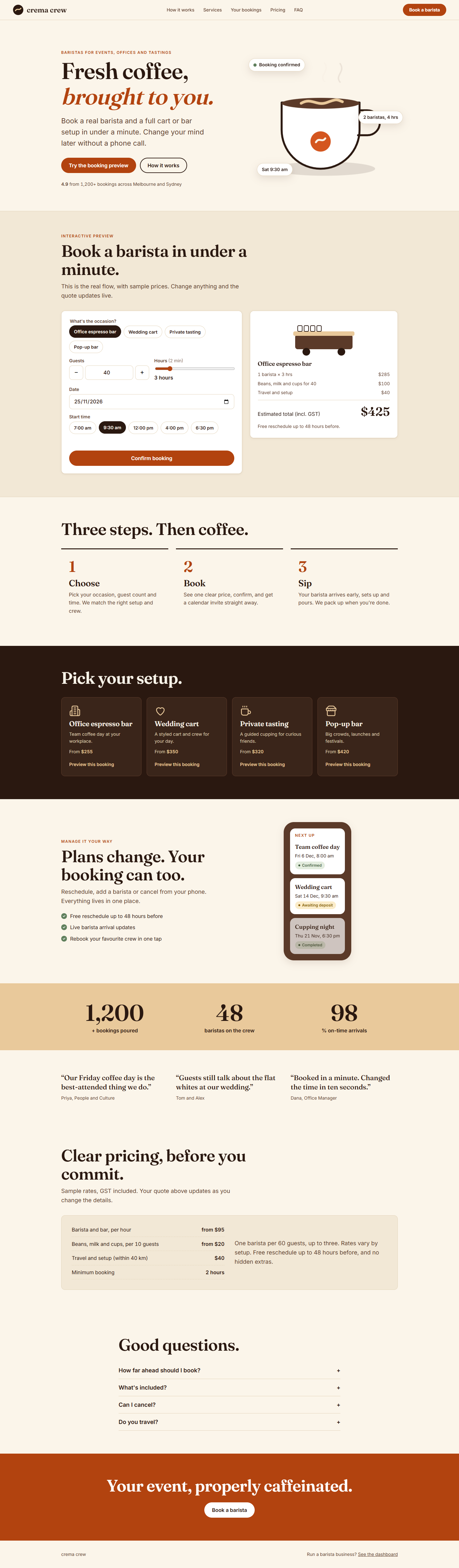
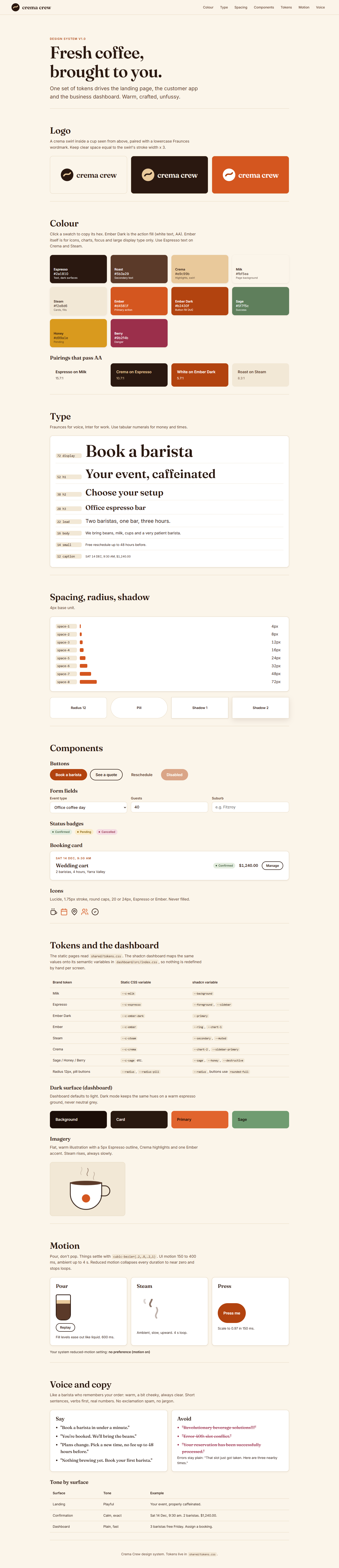
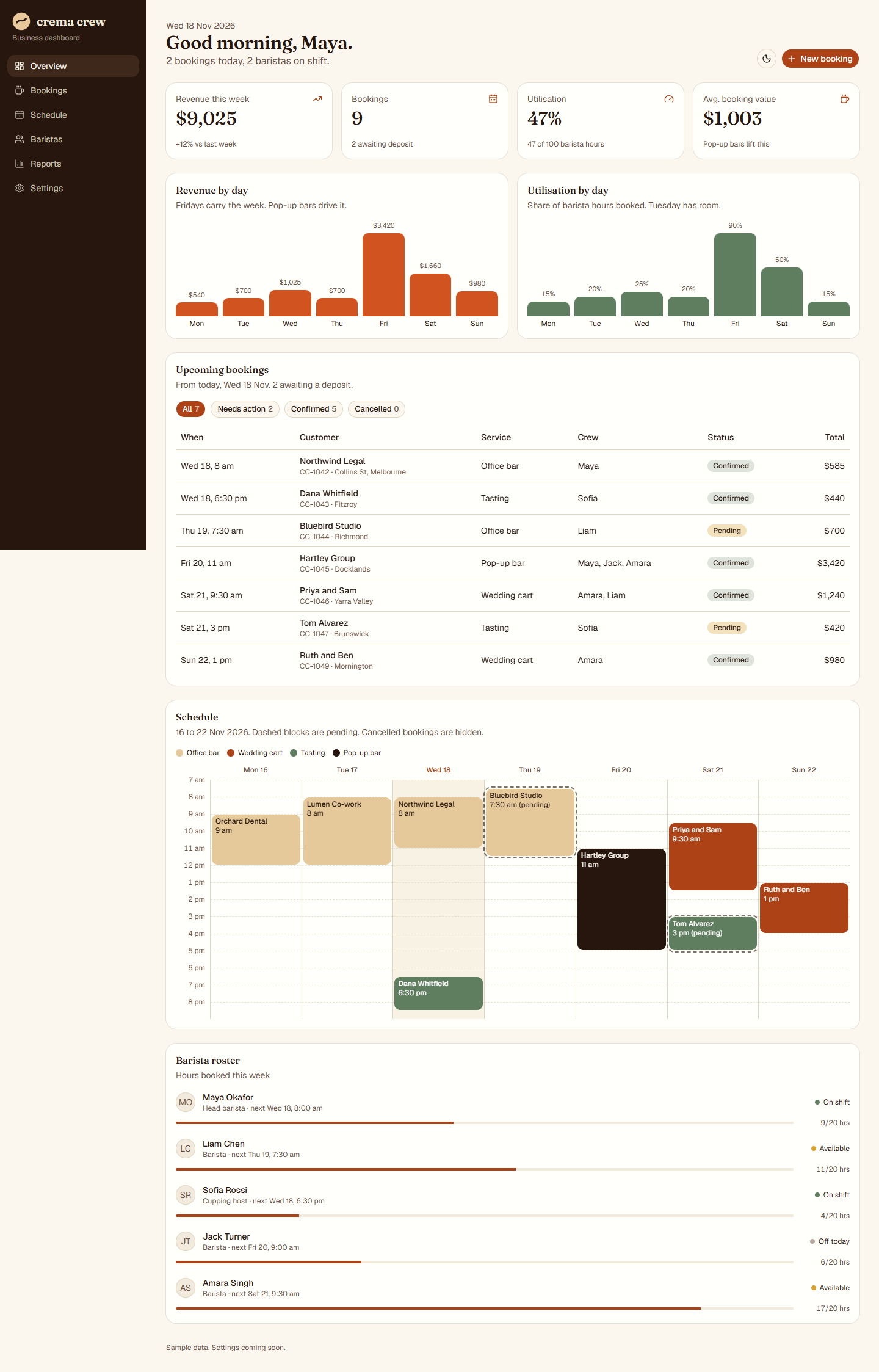
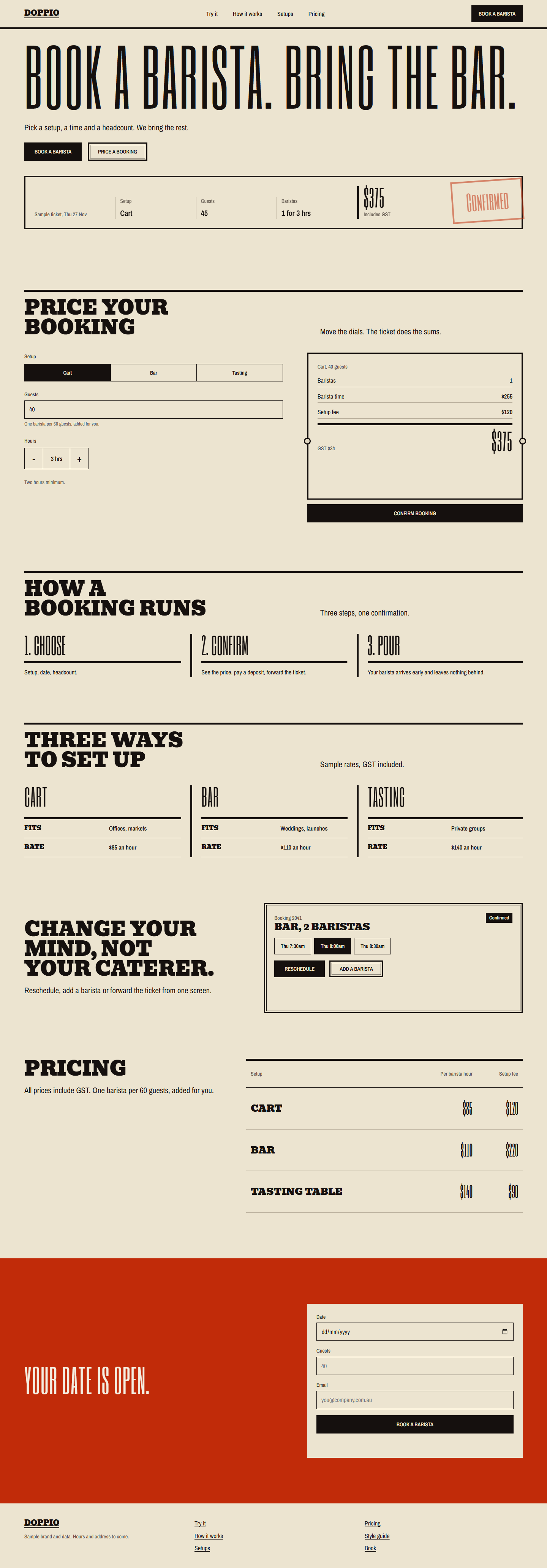
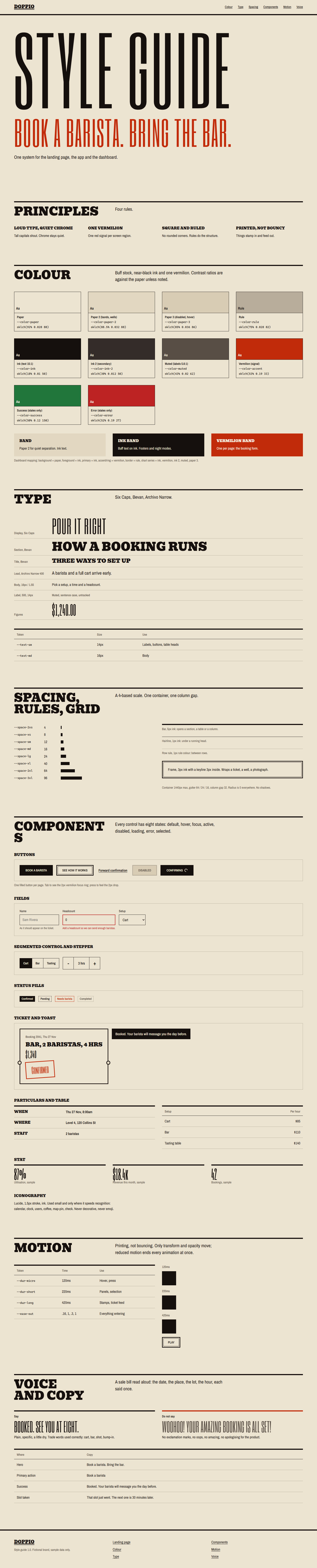
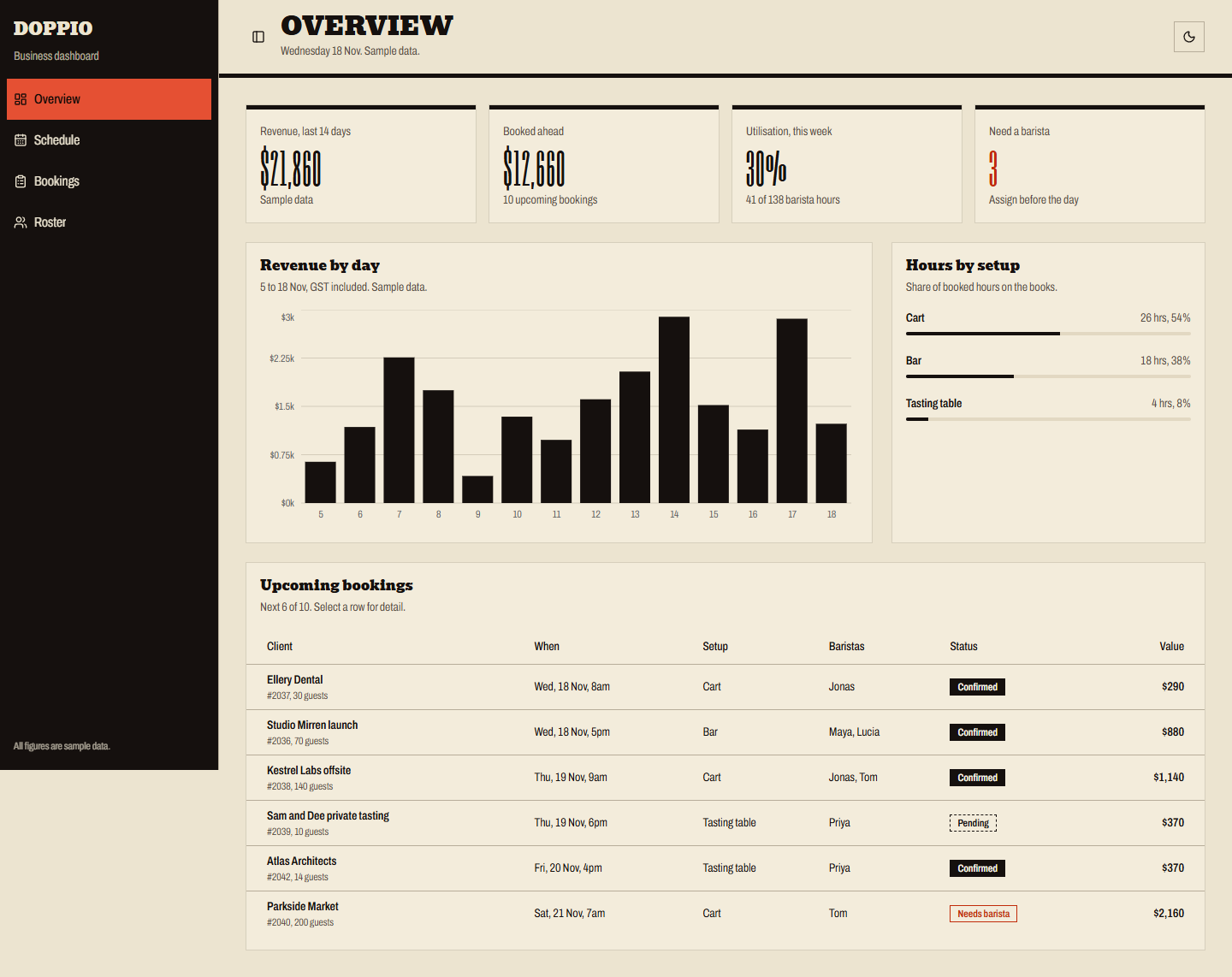
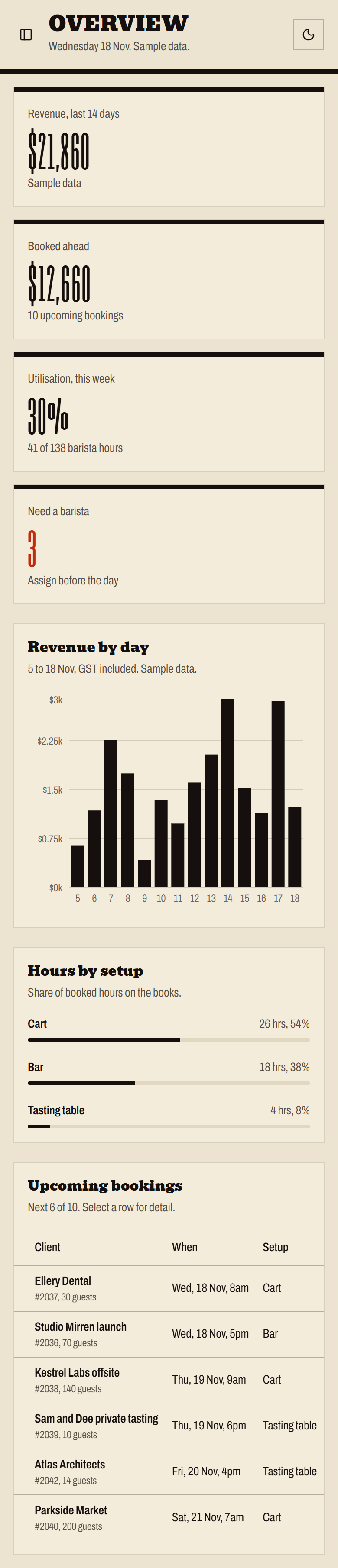
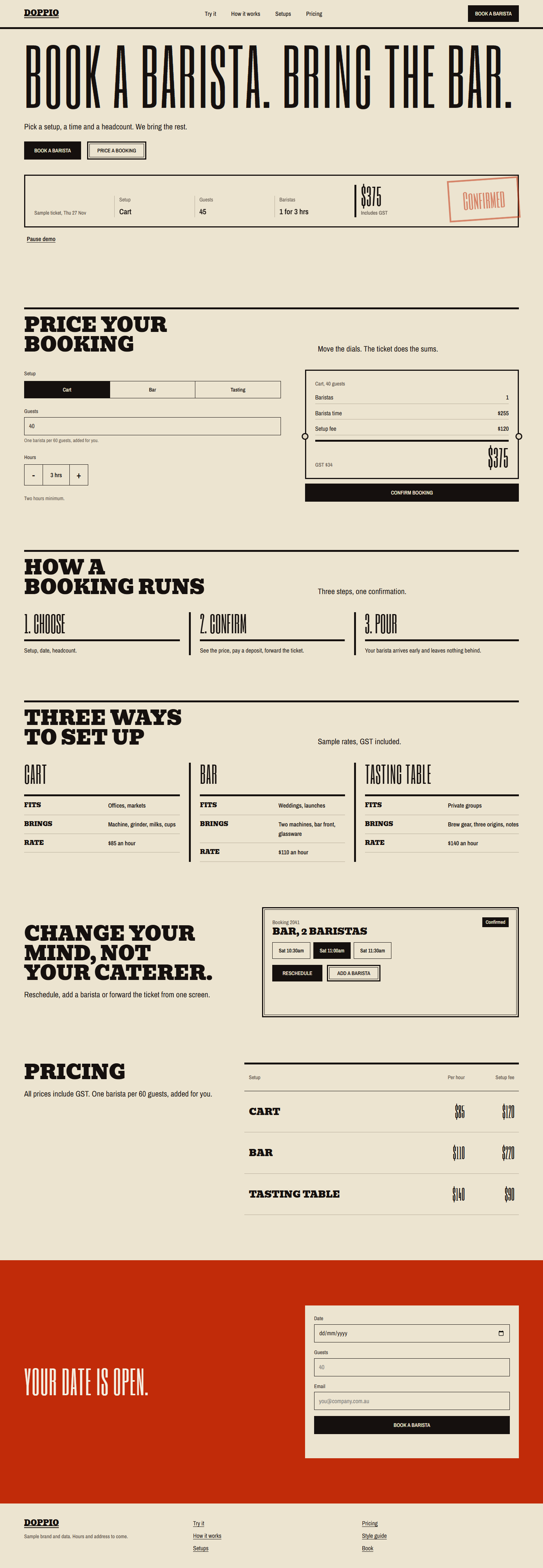
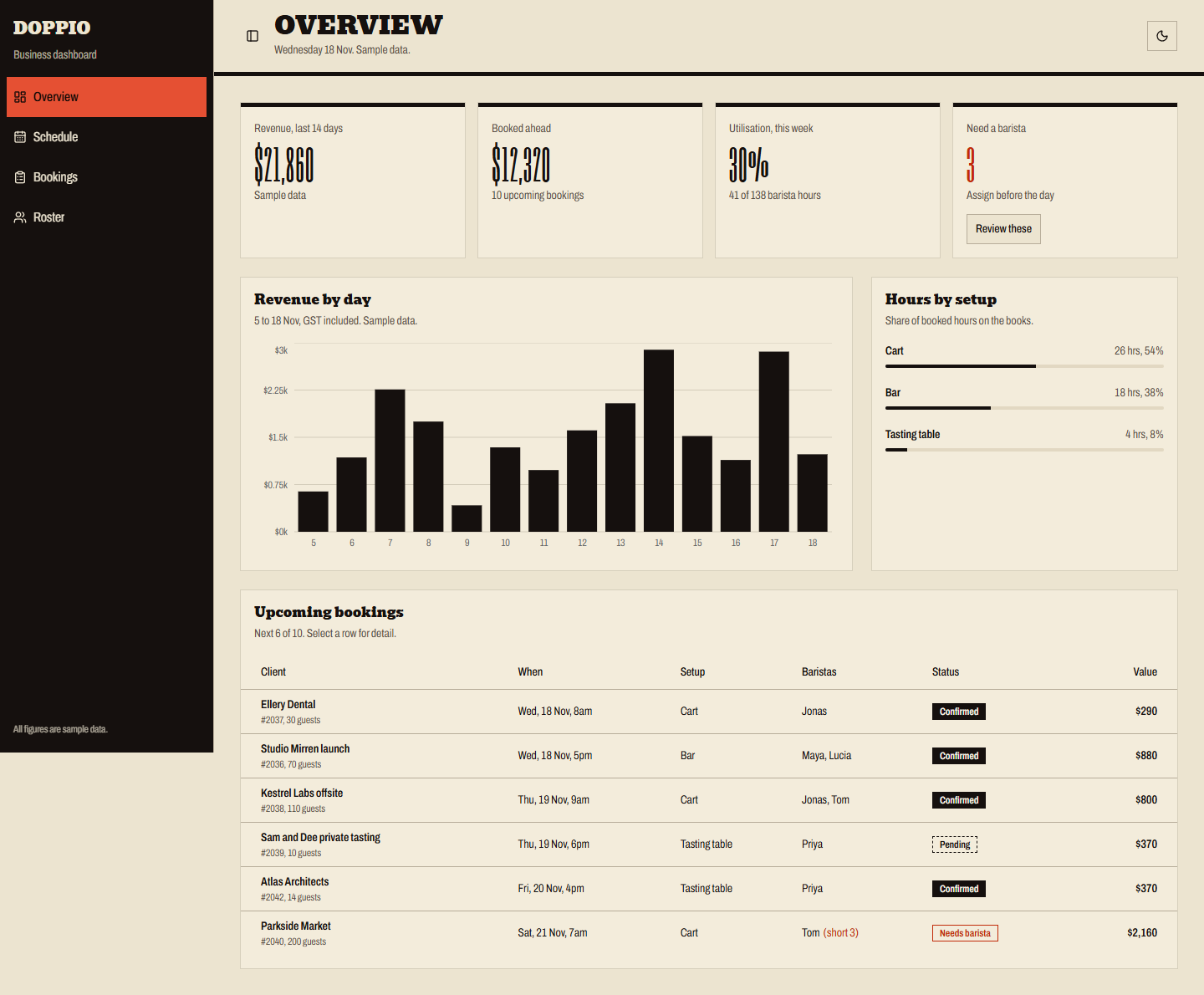
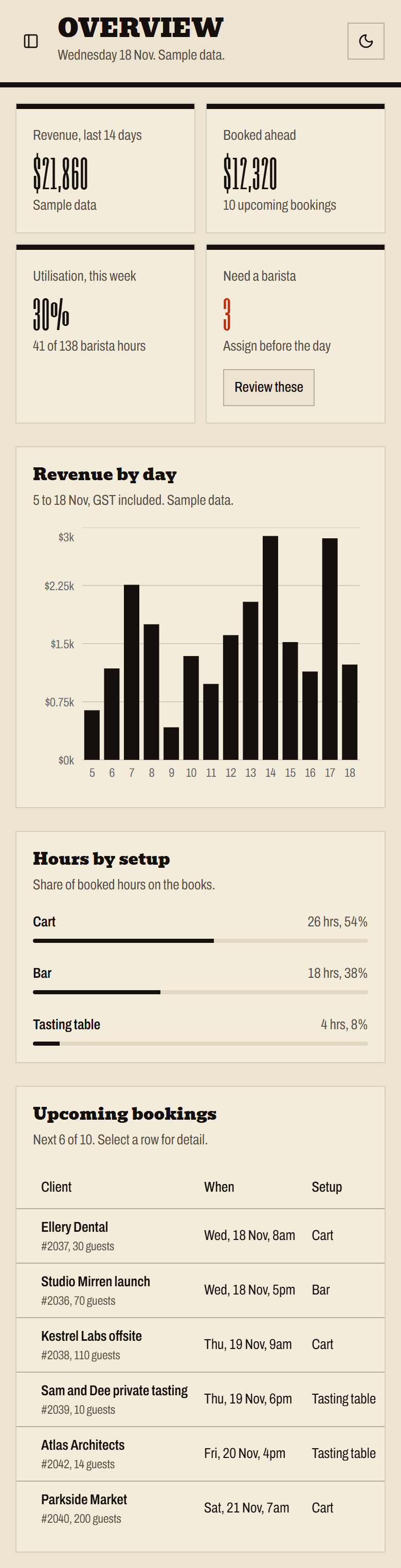
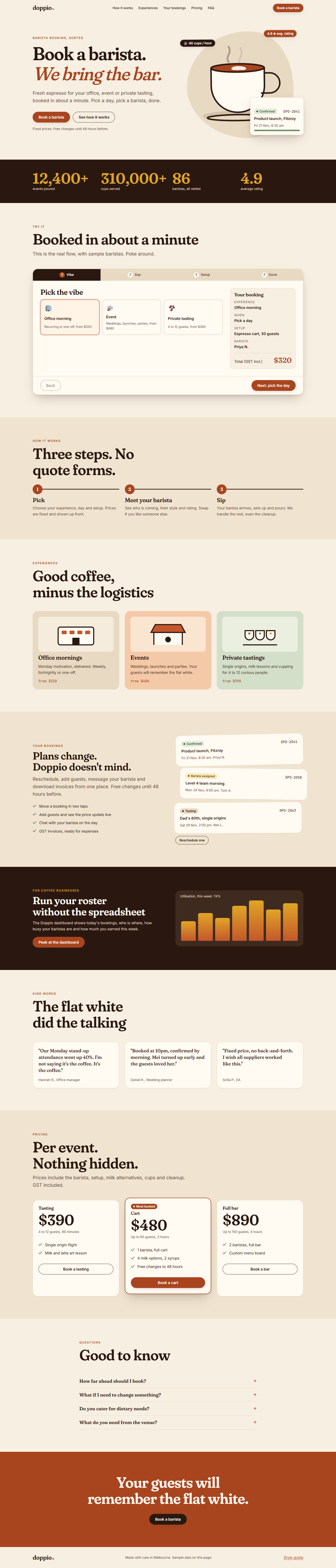
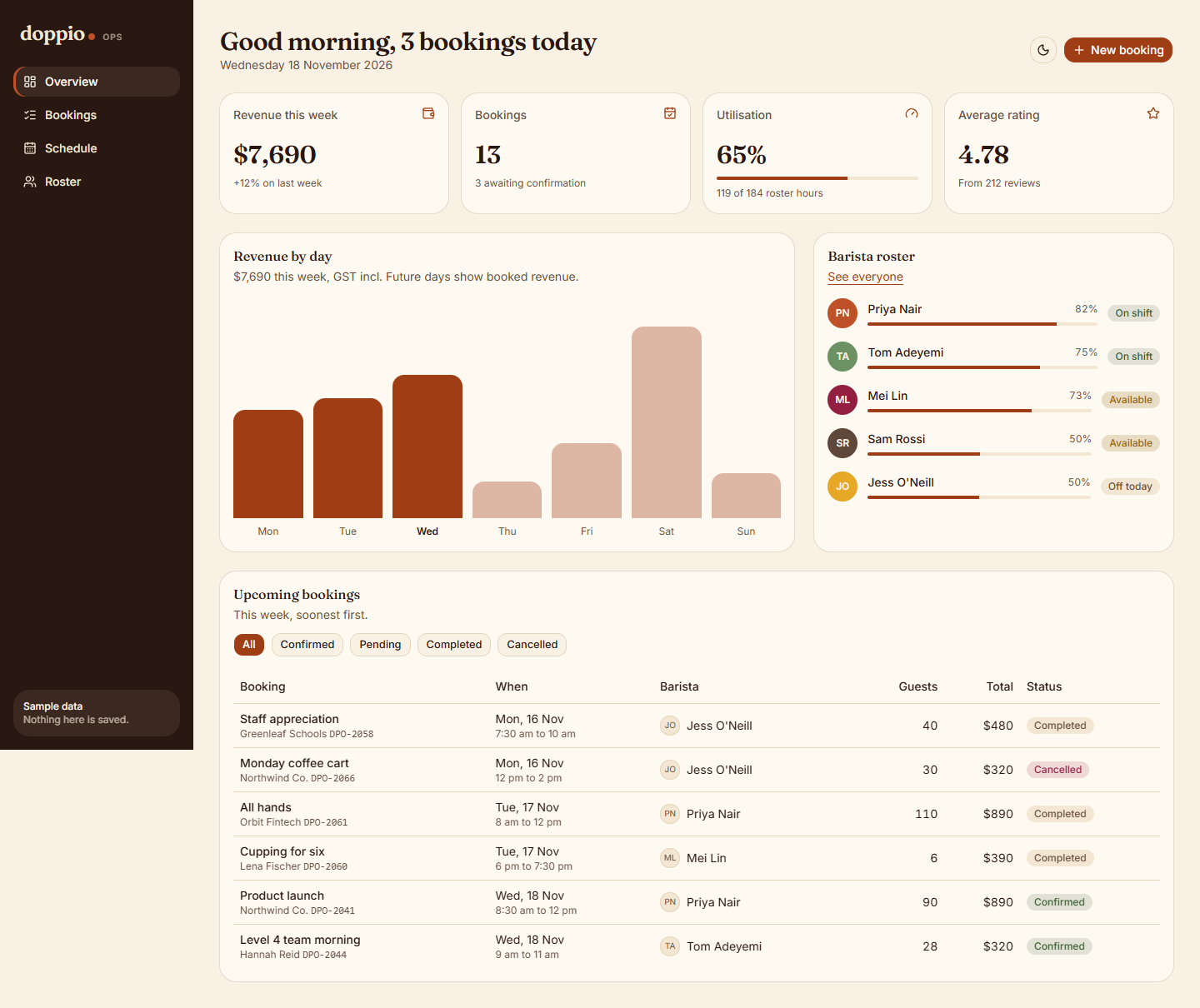
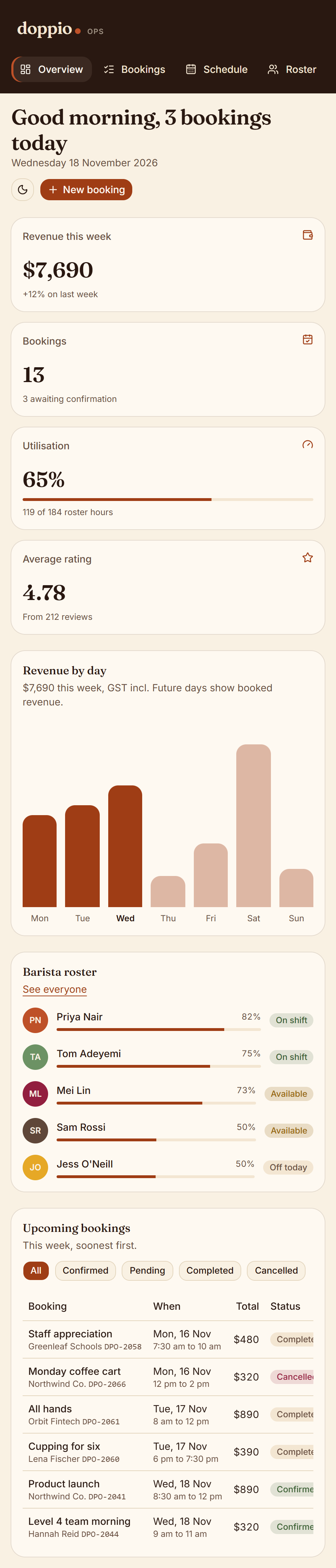
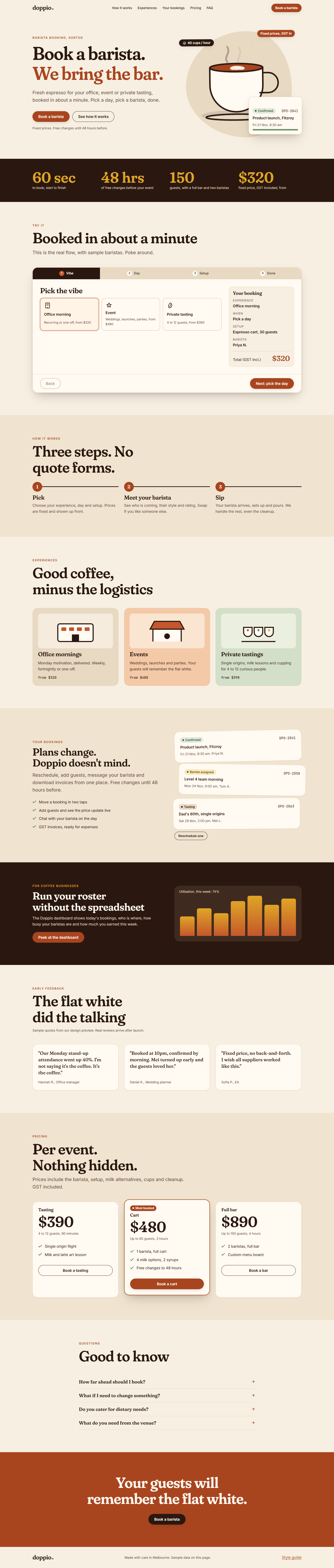
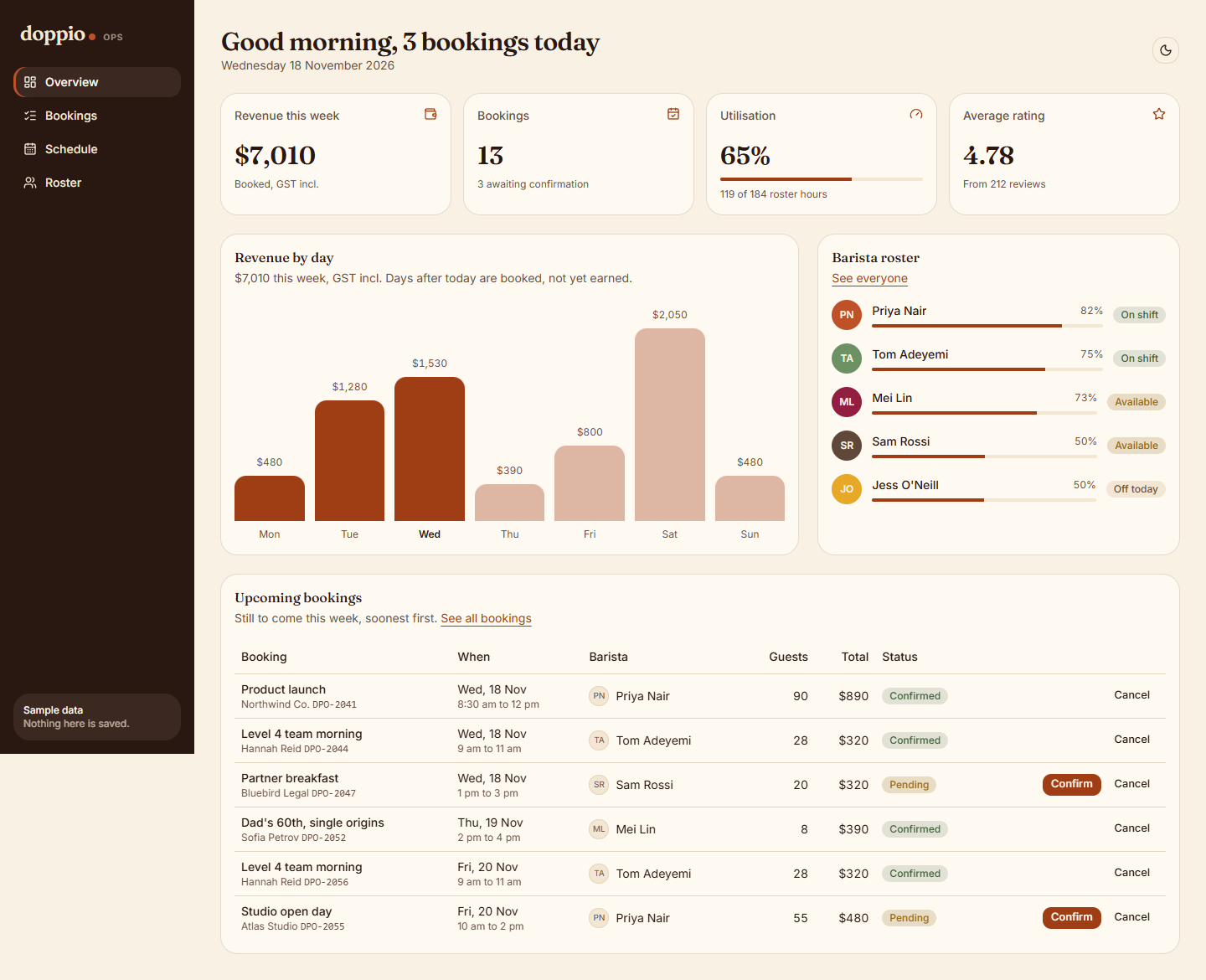
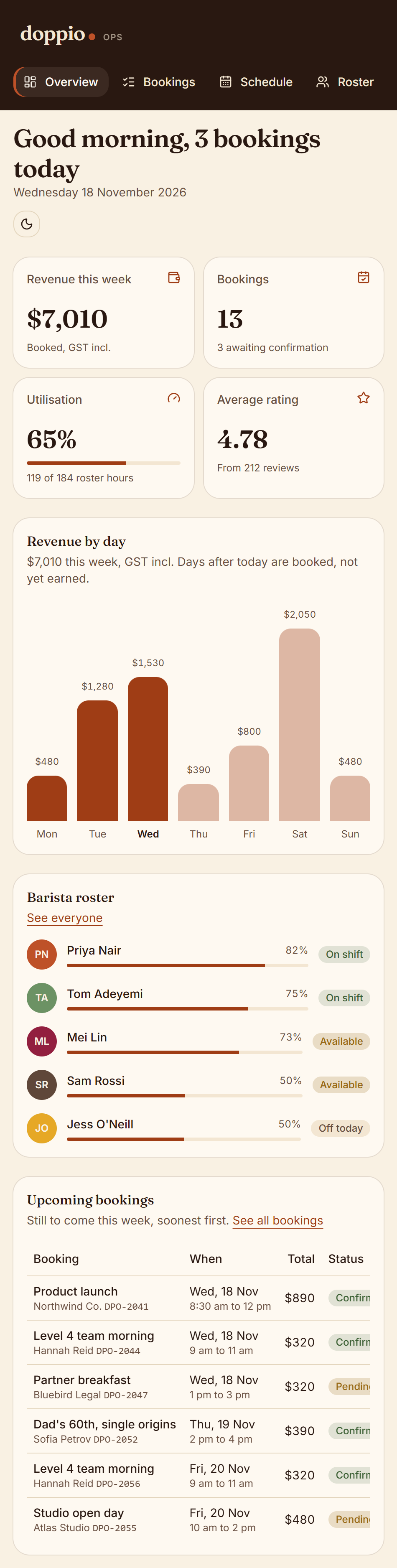
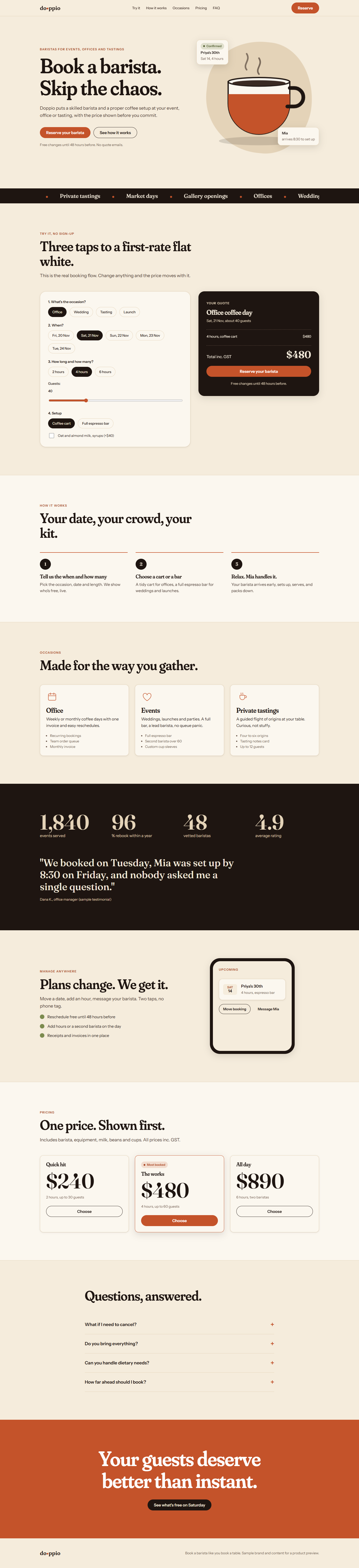
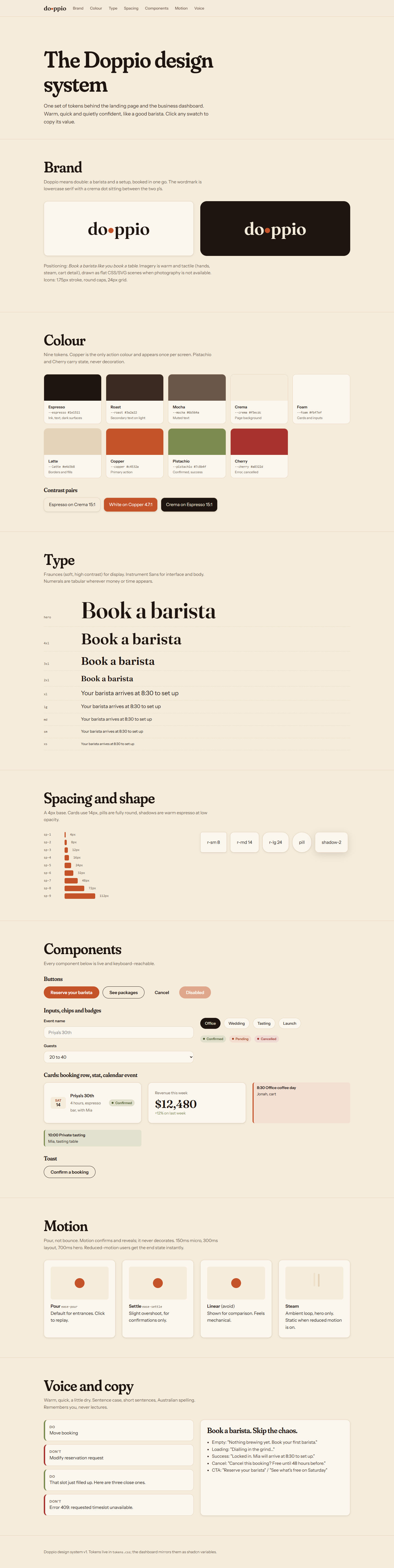
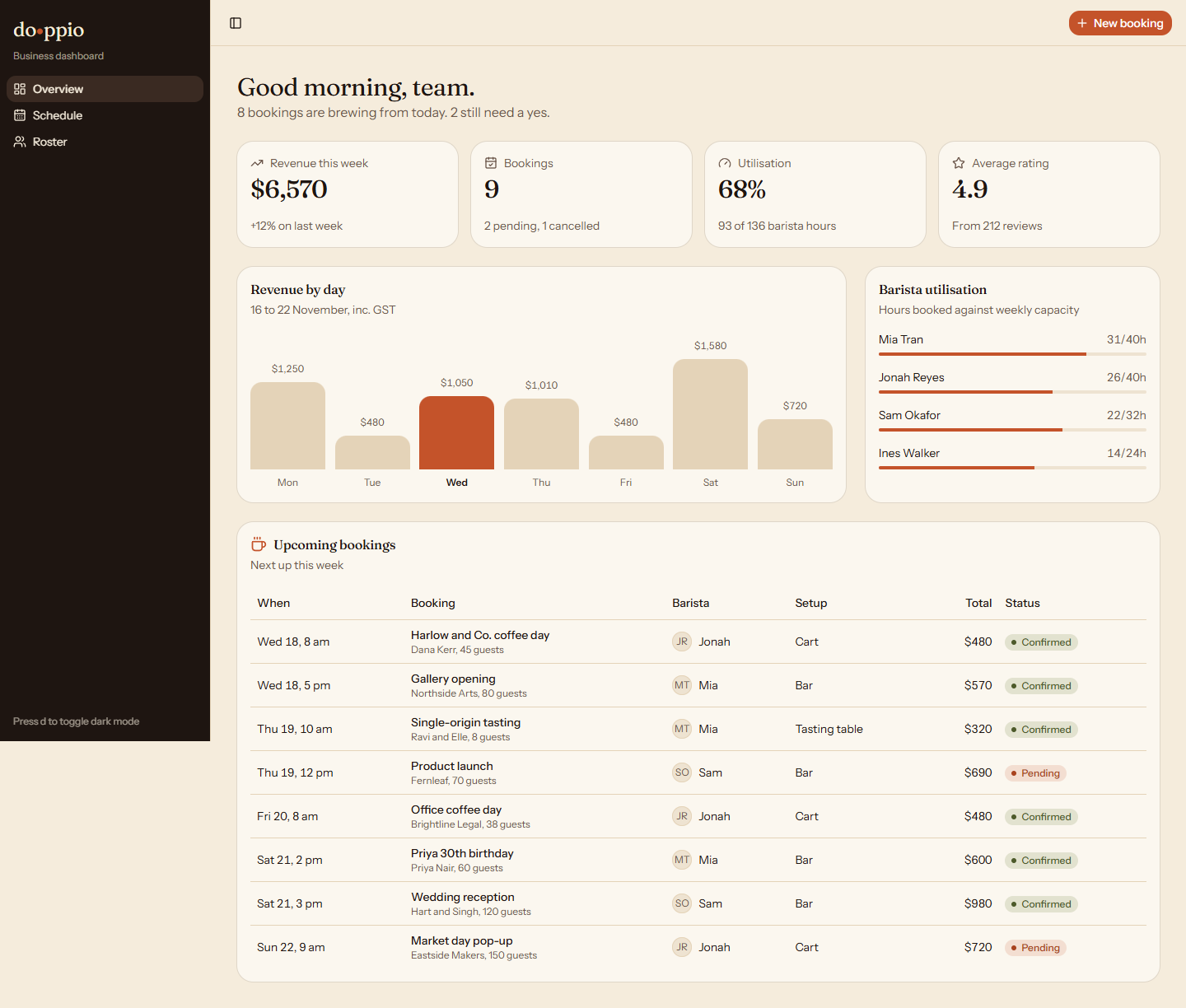
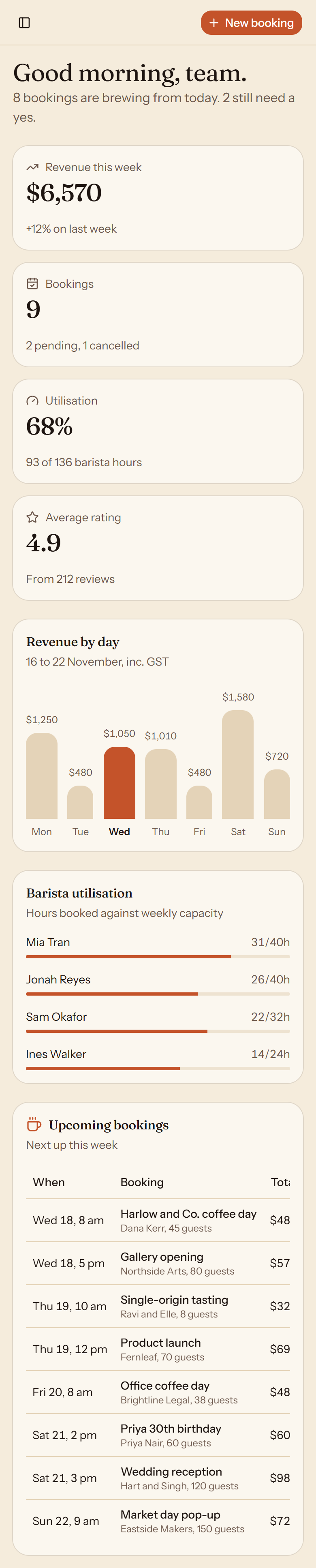
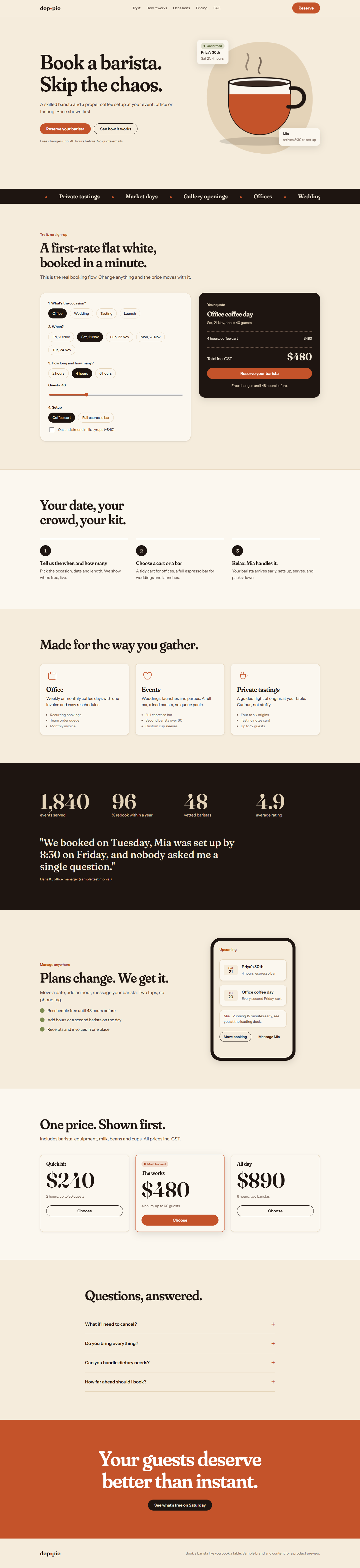
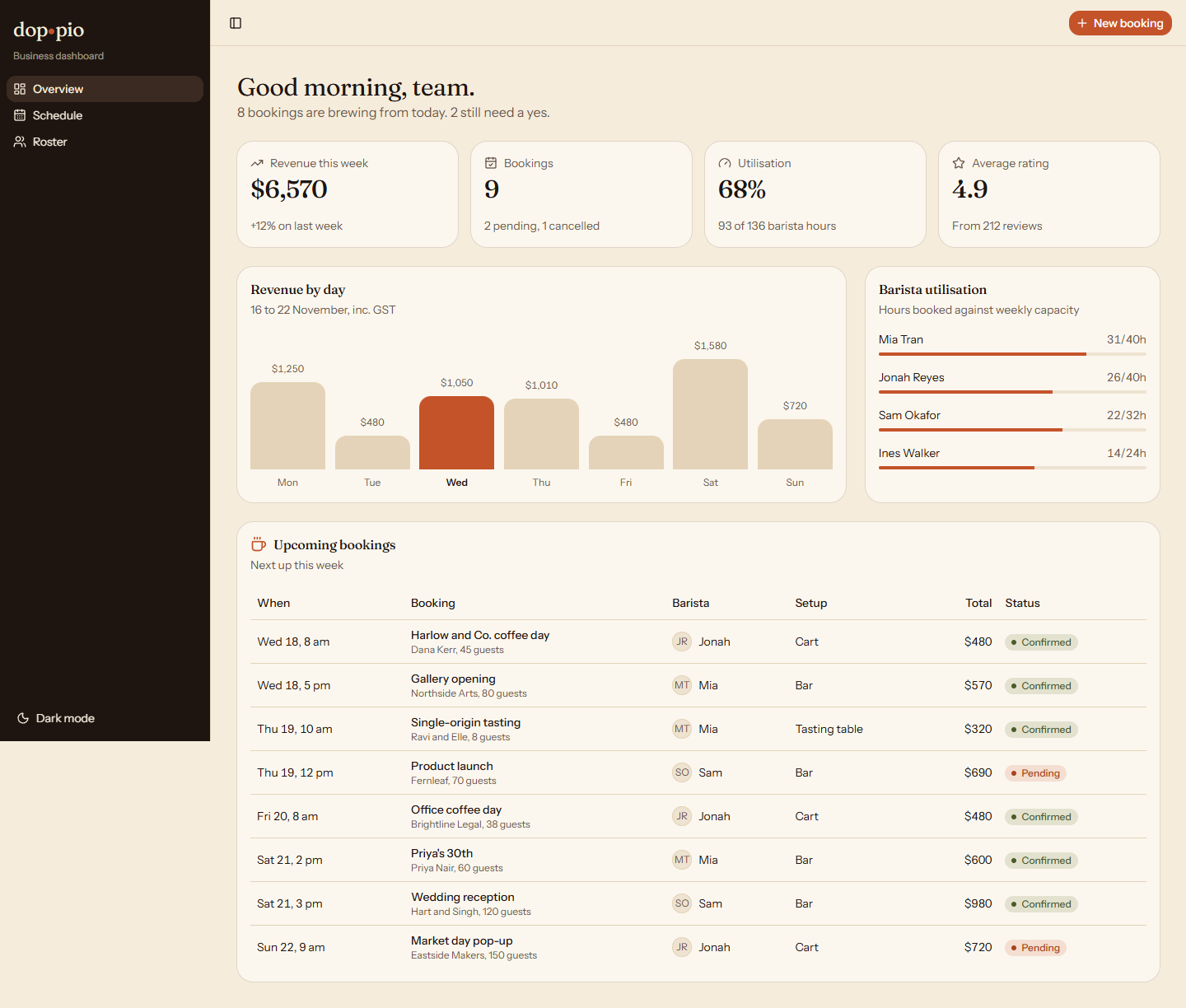
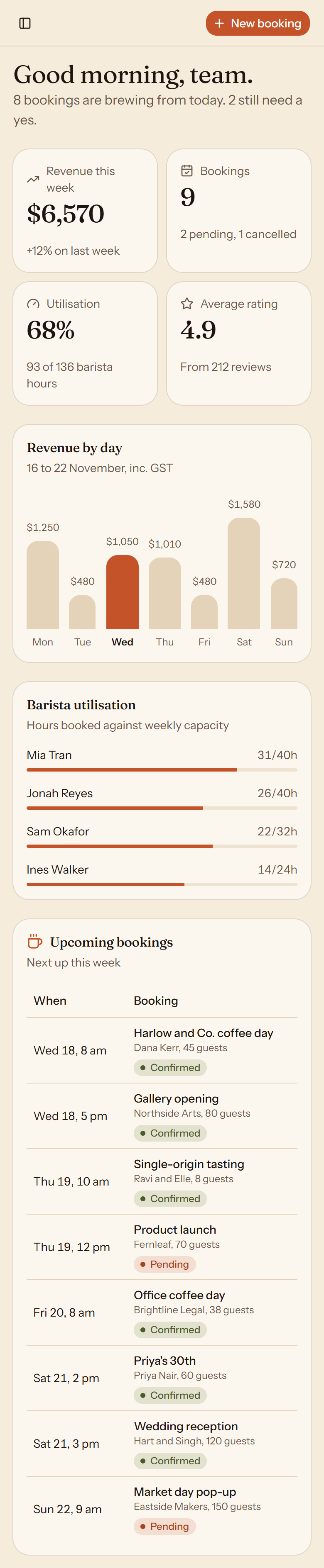
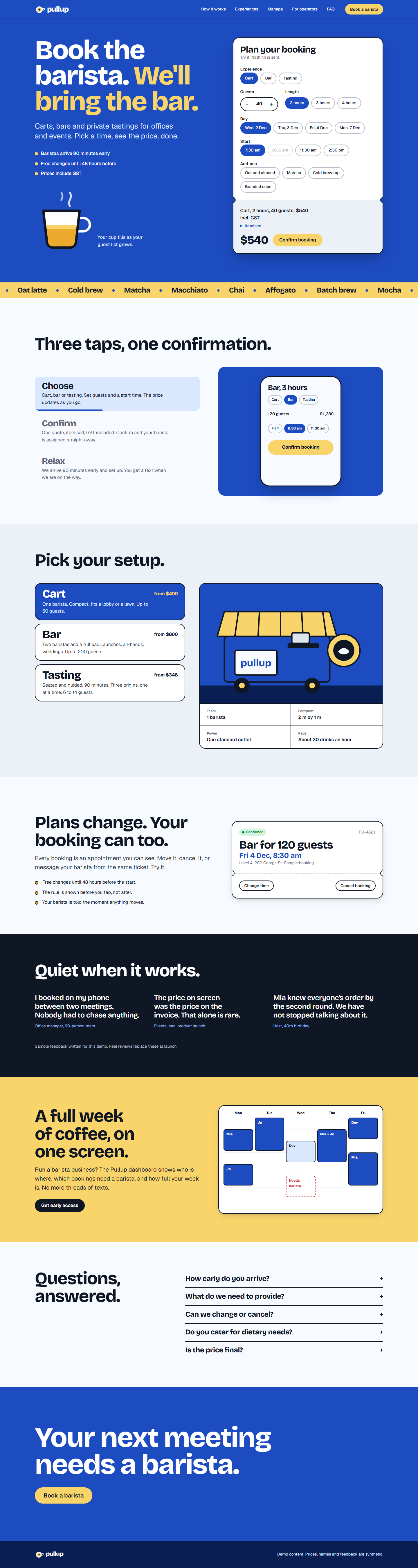
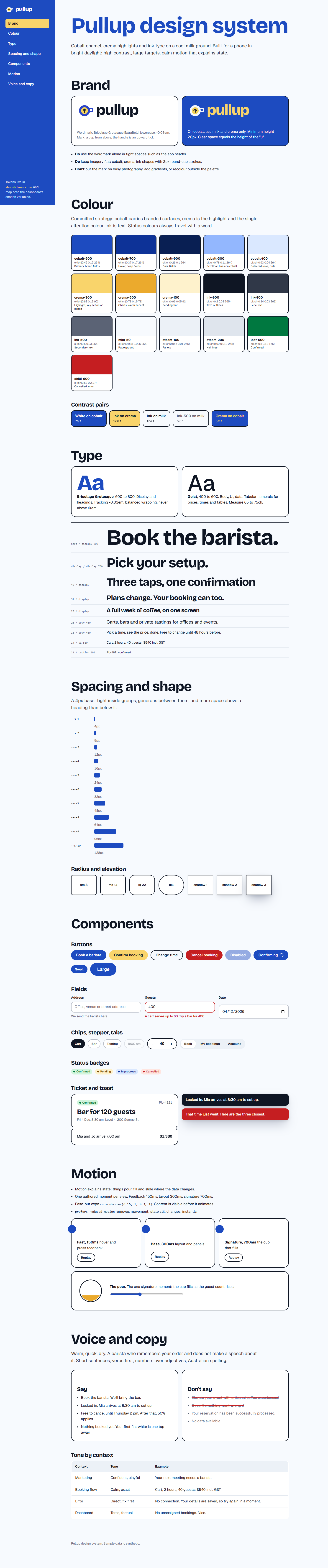
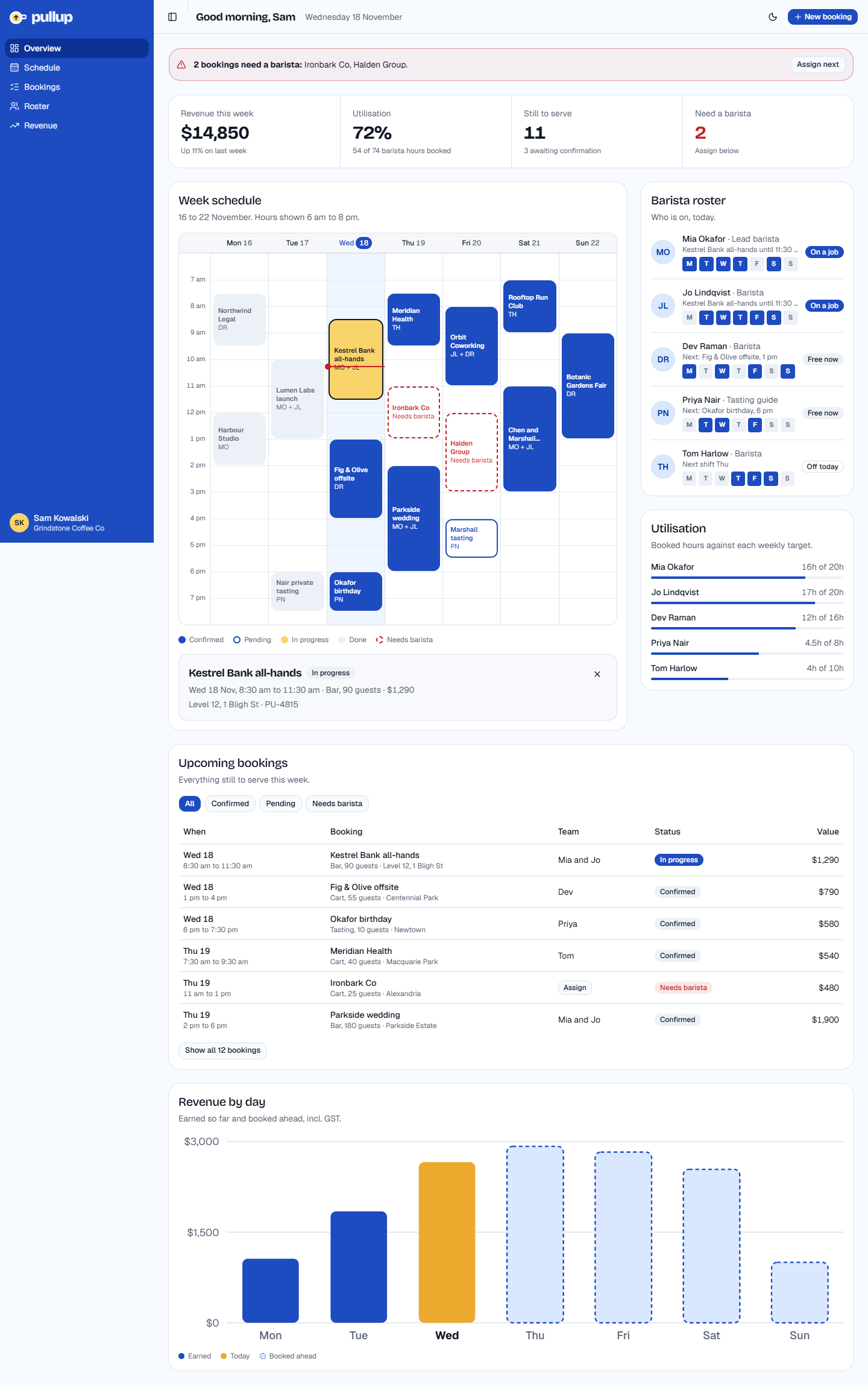
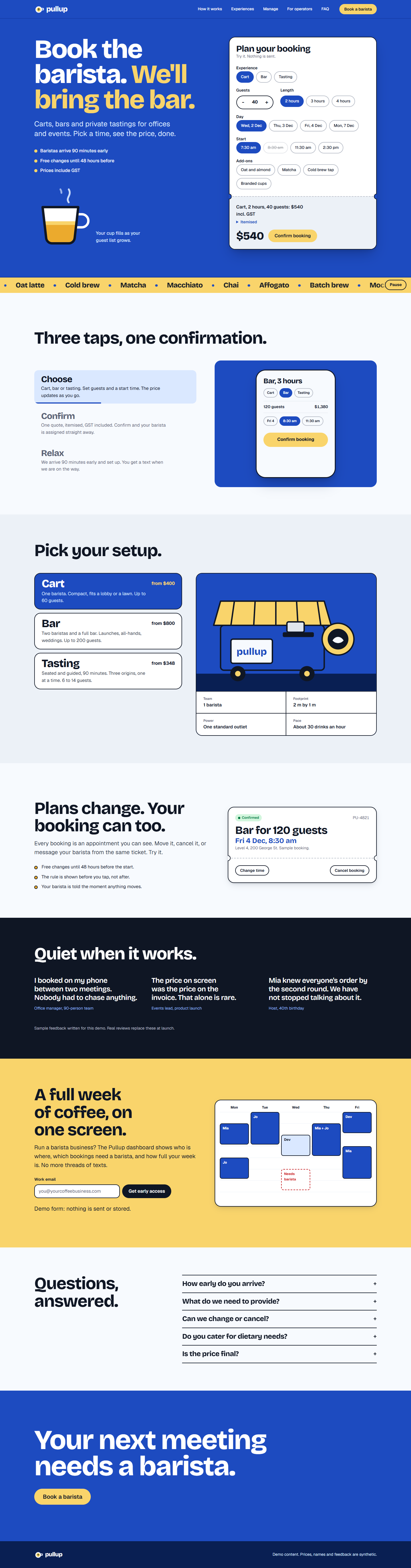
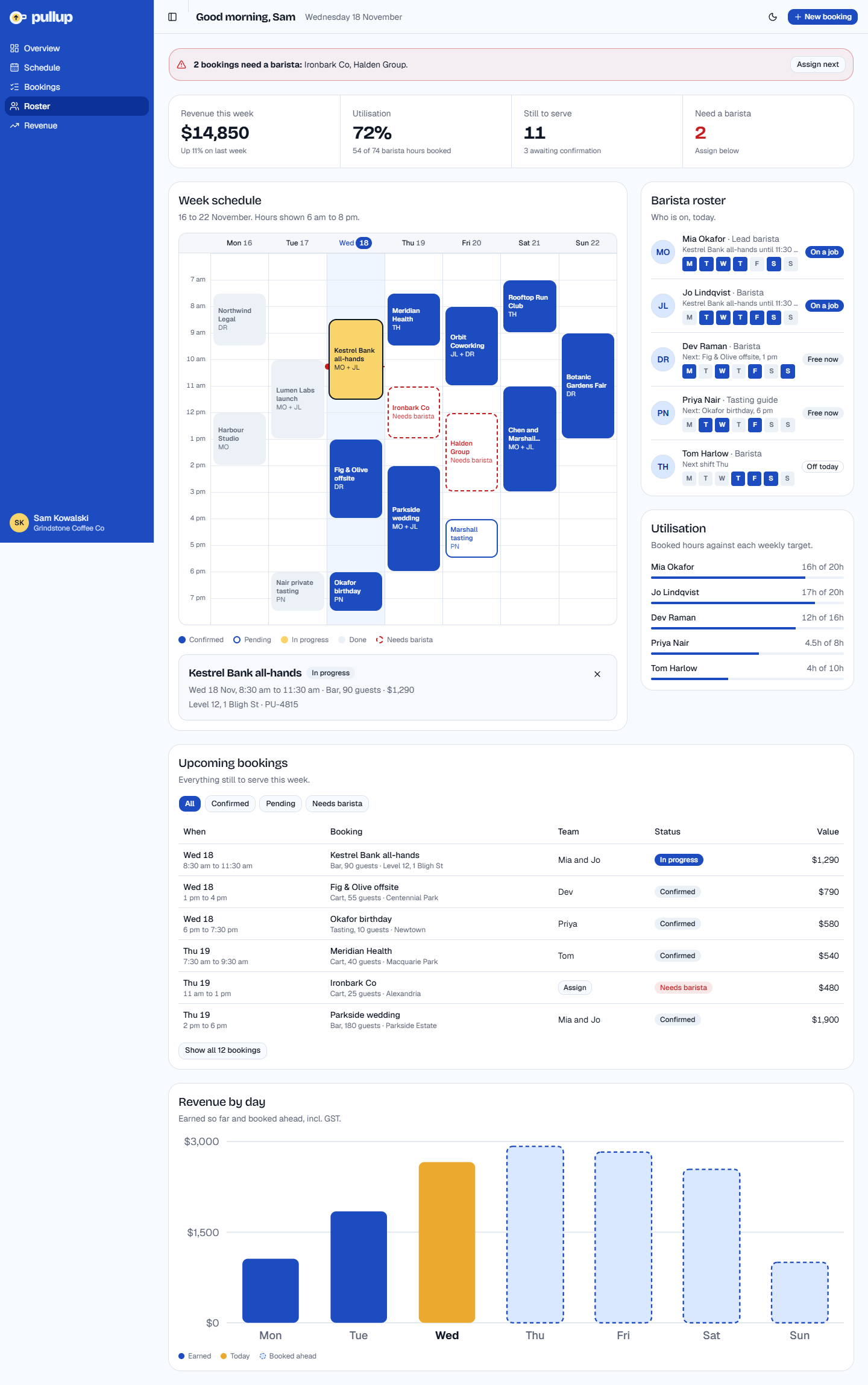
Each AI setup was given the same brief, word for word. It wrote a brand plan, then built a style guide, a landing page and a dashboard, then reviewed and revised its own work: take 1 is the first build and take 2 the revised one. The letters are random and unrelated to the letters in brief 1. Tap a screenshot for the full page, or open the live pages.

Which one would you pick, and why? Any thoughts on what works or doesn't are welcome. Your pick is saved in this browser only.

6Brand and product: plan, style guide, landing, dashboard 6 setups

The brief (planning plus three deliverables)

We're launching a reservations and appointments app for barista-catered events and coffee experiences: customers book a barista (and a cart or bar setup) for events, offices and private tastings, and manage their appointments. Plan first, then build. Nobody is available to answer questions, so make sensible assumptions and write them down.
Planning: write PLAN.md covering the brand (name if needed, positioning, audience), brand elements (logo or wordmark direction, colour, type, imagery, iconography, motion principles), hierarchy and information structure for the landing page and the app, and brand personality with sample copy (voice, tone, headlines, microcopy).
Then build three deliverables that share one design system:
1. ./style-guide: a design system and style guide page (tokens, colour, type scale, spacing, components, motion, voice and copy examples).
2. ./landing: a landing page that showcases and sells the app, with motion graphics and interactive elements (for example an animated product demo or an interactive booking preview), responsive, with reduced-motion support.
3. ./dashboard: a shadcn dashboard for the business side (upcoming bookings, a calendar or schedule view, revenue and utilisation stats, barista roster), in the existing shadcn project, themed to the brand.

Your pick:

Each setup ran this brief once, then was asked in the same session to review its own work as a senior brand and product designer, write REVIEW.md, fix the problems and write CHANGES.md. Take 1 is the first build; take 2 is the same work after that review and revision, so compare them to see how much the revision helped. Automated checks: builds; axe-core 4.14 (WCAG 2.2 AA rules) on each page at 1440 after scrolling through; sideways overflow at 390px; the landing page scrolled with reduced motion off and on (how many animations ran, endless ones still running, text still invisible after scrolling); and a shadcn style scan of the dashboard source. Numbers in axe cells are affected elements (rules); hover for rule names.

TakeBuild: style guideBuild: landingBuild: dashboardaxe: landingaxe: dashboardaxe: style guideOverflow 390: style guideOverflow 390: landingOverflow 390: dashboardLanding animations while scrolling (normal / reduced motion)Endless animations left with reduced motionText left hidden with reduced motionConsole errors: landingConsole errors: dashboardDashboard: raw palette coloursDashboard: hard-coded coloursDashboard: space-x/yDashboard: dark: overridesDashboard ui components: CLI / hand-written
G1 first buildstaticstaticpass1 (1)7 (1)7 (1)00298px16 / 1000000007 / 0
G2 after revisionstaticstaticpass1 (1)07 (1)00015 / 1000010017 / 0
K1 first buildstaticstaticpass03 (1)00004 / 00100000013 / 0
K2 after revisionstaticstaticpass03 (1)00004 / 20000000013 / 0
Q1 first buildstaticstaticpass3 (1)5 (1)3 (1)0085px22 / 0000000007 / 0
Q2 after revisionstaticstaticpass07 (1)3 (1)77px085px22 / 0000000007 / 0
R1 first buildstaticstaticpass04 (1)1 (1)00033 / 00000040212 / 0
R2 after revisionstaticstaticpass04 (1)1 (1)00033 / 00000040612 / 0
V1 first buildstaticstaticpass05 (2)1 (1)00018 / 601200000012 / 0
V2 after revisionstaticstaticpass05 (2)1 (1)00018 / 701200000112 / 0
W1 first buildstaticstaticpass08 (1)00007 / 0000000107 / 0
W2 after revisionstaticstaticpass0000007 / 0000000107 / 0

G

G take 1: first build
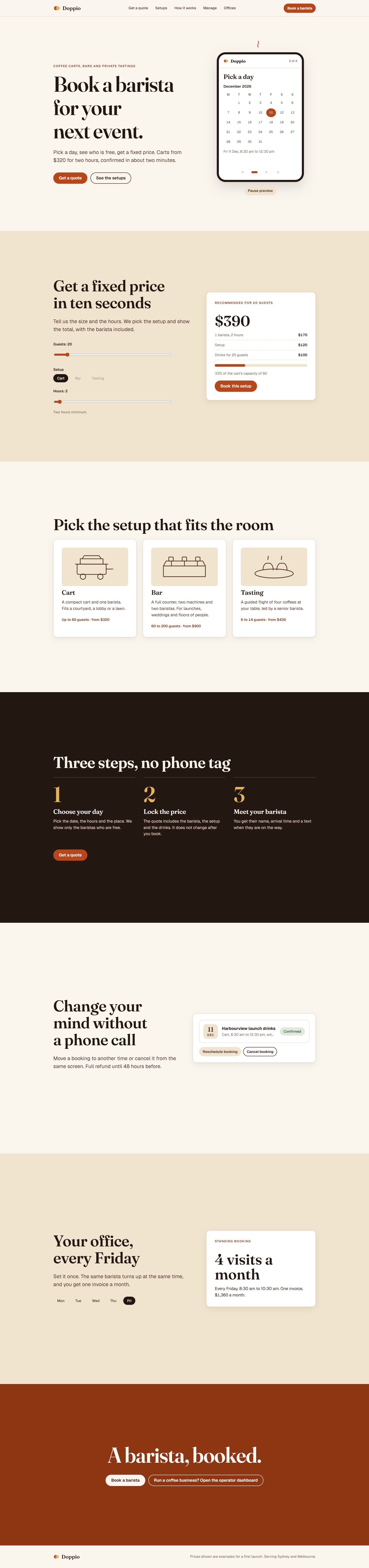
G take 1: first build, Landing desktopG take 1: first build, Landing phone
Landing: hover on calls to action, scroll through, open a disclosure (scripted, 1280x800)
Style guide · Open live · Desktop full · Phone full
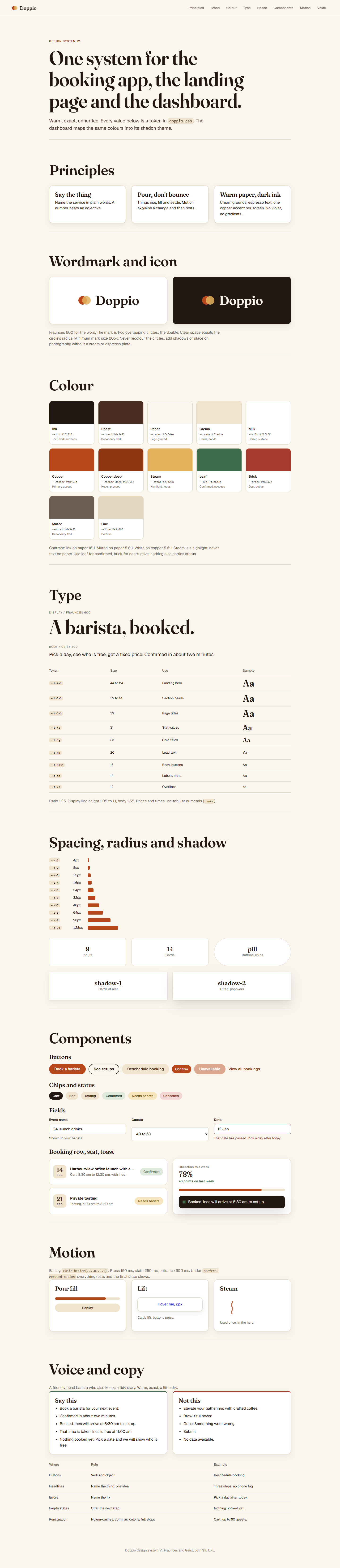
G take 1: first build, Style guide desktopG take 1: first build, Style guide phone
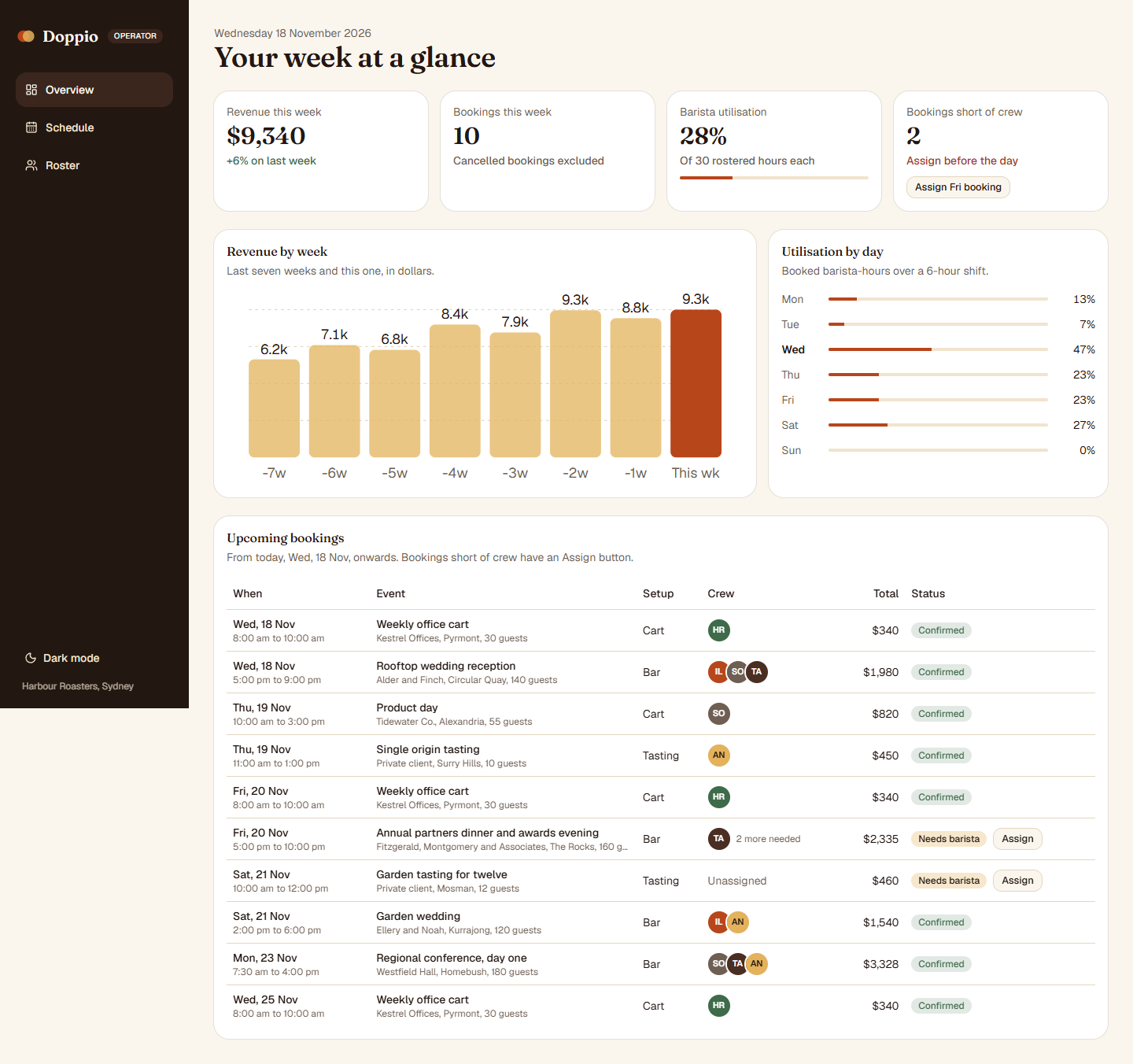
Dashboard · Open live · Desktop full · Phone full
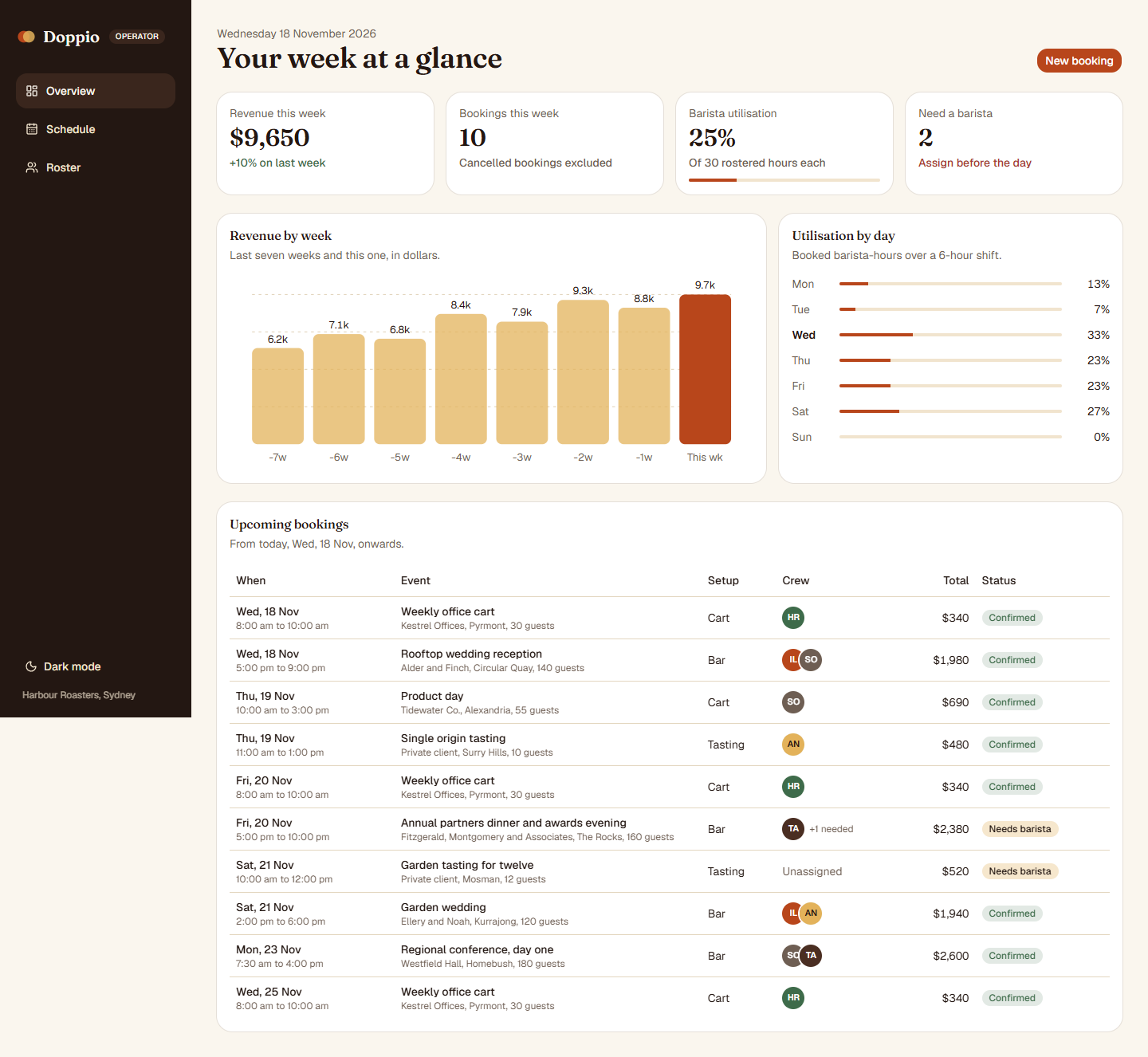
G take 1: first build, Dashboard desktopG take 1: first build, Dashboard phone
G take 2: after review and revision
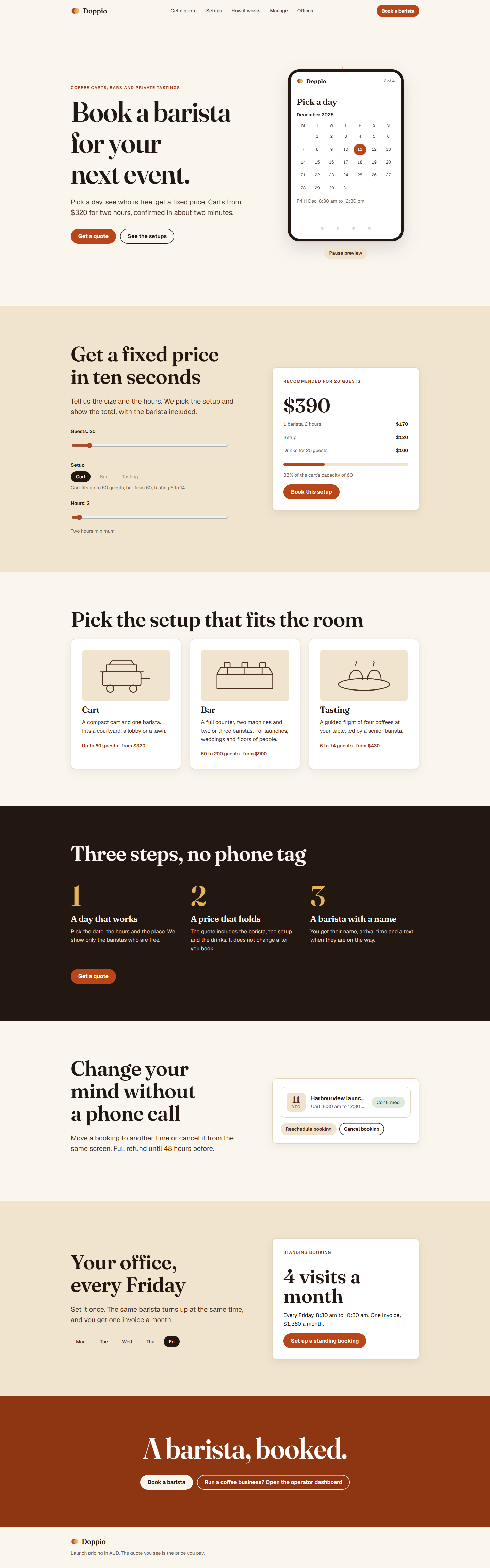
G take 2: after review and revision, Landing desktopG take 2: after review and revision, Landing phone
Landing: hover on calls to action, scroll through, open a disclosure (scripted, 1280x800)
Style guide · Open live · Desktop full · Phone full
G take 2: after review and revision, Style guide desktopG take 2: after review and revision, Style guide phone
Dashboard · Open live · Desktop full · Phone full
G take 2: after review and revision, Dashboard desktopG take 2: after review and revision, Dashboard phone

K

K take 1: first build
K take 1: first build, Landing desktopK take 1: first build, Landing phone
Landing: hover on calls to action, scroll through, open a disclosure (scripted, 1280x800)
Style guide · Open live · Desktop full · Phone full
K take 1: first build, Style guide desktopK take 1: first build, Style guide phone
Dashboard · Open live · Desktop full · Phone full
K take 1: first build, Dashboard desktopK take 1: first build, Dashboard phone
K take 2: after review and revision
K take 2: after review and revision, Landing desktopK take 2: after review and revision, Landing phone
Landing: hover on calls to action, scroll through, open a disclosure (scripted, 1280x800)
Style guide · Open live · Desktop full · Phone full
K take 2: after review and revision, Style guide desktopK take 2: after review and revision, Style guide phone
Dashboard · Open live · Desktop full · Phone full
K take 2: after review and revision, Dashboard desktopK take 2: after review and revision, Dashboard phone

Q

Q take 1: first build
Q take 1: first build, Landing desktopQ take 1: first build, Landing phone
Landing: hover on calls to action, scroll through, open a disclosure (scripted, 1280x800)
Style guide · Open live · Desktop full · Phone full
Q take 1: first build, Style guide desktopQ take 1: first build, Style guide phone
Dashboard · Open live · Desktop full · Phone full
Q take 1: first build, Dashboard desktopQ take 1: first build, Dashboard phone
Q take 2: after review and revision
Q take 2: after review and revision, Landing desktopQ take 2: after review and revision, Landing phone
Landing: hover on calls to action, scroll through, open a disclosure (scripted, 1280x800)
Style guide · Open live · Desktop full · Phone full
Q take 2: after review and revision, Style guide desktopQ take 2: after review and revision, Style guide phone
Dashboard · Open live · Desktop full · Phone full
Q take 2: after review and revision, Dashboard desktopQ take 2: after review and revision, Dashboard phone

R

R take 1: first build
R take 1: first build, Landing desktopR take 1: first build, Landing phone
Landing: hover on calls to action, scroll through, open a disclosure (scripted, 1280x800)
Style guide · Open live · Desktop full · Phone full
R take 1: first build, Style guide desktopR take 1: first build, Style guide phone
Dashboard · Open live · Desktop full · Phone full
R take 1: first build, Dashboard desktopR take 1: first build, Dashboard phone
R take 2: after review and revision
R take 2: after review and revision, Landing desktopR take 2: after review and revision, Landing phone
Landing: hover on calls to action, scroll through, open a disclosure (scripted, 1280x800)
Style guide · Open live · Desktop full · Phone full
R take 2: after review and revision, Style guide desktopR take 2: after review and revision, Style guide phone
Dashboard · Open live · Desktop full · Phone full
R take 2: after review and revision, Dashboard desktopR take 2: after review and revision, Dashboard phone

V

V take 1: first build
V take 1: first build, Landing desktopV take 1: first build, Landing phone
Landing: hover on calls to action, scroll through, open a disclosure (scripted, 1280x800)
Style guide · Open live · Desktop full · Phone full
V take 1: first build, Style guide desktopV take 1: first build, Style guide phone
Dashboard · Open live · Desktop full · Phone full
V take 1: first build, Dashboard desktopV take 1: first build, Dashboard phone
V take 2: after review and revision
V take 2: after review and revision, Landing desktopV take 2: after review and revision, Landing phone
Landing: hover on calls to action, scroll through, open a disclosure (scripted, 1280x800)
Style guide · Open live · Desktop full · Phone full
V take 2: after review and revision, Style guide desktopV take 2: after review and revision, Style guide phone
Dashboard · Open live · Desktop full · Phone full
V take 2: after review and revision, Dashboard desktopV take 2: after review and revision, Dashboard phone

W

W take 1: first build
W take 1: first build, Landing desktopW take 1: first build, Landing phone
Landing: hover on calls to action, scroll through, open a disclosure (scripted, 1280x800)
Style guide · Open live · Desktop full · Phone full
W take 1: first build, Style guide desktopW take 1: first build, Style guide phone
Dashboard · Open live · Desktop full · Phone full
W take 1: first build, Dashboard desktopW take 1: first build, Dashboard phone
W take 2: after review and revision
W take 2: after review and revision, Landing desktopW take 2: after review and revision, Landing phone
Landing: hover on calls to action, scroll through, open a disclosure (scripted, 1280x800)
Style guide · Open live · Desktop full · Phone full
W take 2: after review and revision, Style guide desktopW take 2: after review and revision, Style guide phone
Dashboard · Open live · Desktop full · Phone full
W take 2: after review and revision, Dashboard desktopW take 2: after review and revision, Dashboard phone